
04 // Stereo sampling
SMPL
Stereo sample engine with per-channel waveform editing, transient or equal slicing, loop controls, Sync, and Warp.
Bring your VST3 instruments and samples. Native synthesis, per-step sound settings and graph-based arrangement.
Fully unlocked. No card required.
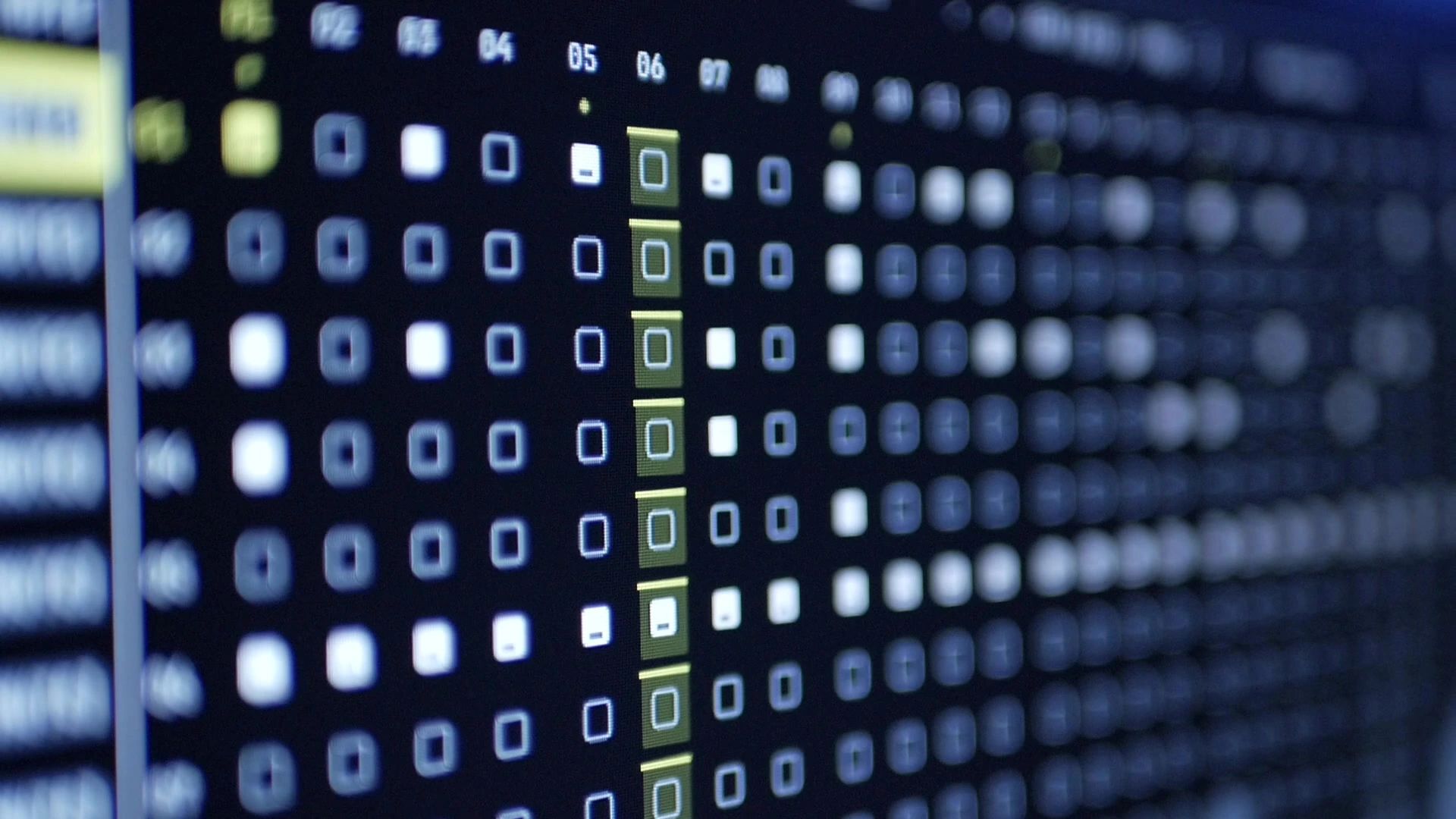
16 tracks / 512 steps per pattern / VST3 hosting
01 // Sound
SYN2 // FM4P // DRUM // SMPL // VST3 // MIDI // EXTNSeven engines. Native synthesis, samples, plugins and external gear. Choose the source for each track.
04 // Stereo sampling
Stereo sample engine with per-channel waveform editing, transient or equal slicing, loop controls, Sync, and Warp.
05 // Plugin instruments
Bring your own instruments. Open their native editors and map eight parameters to SubKorr’s controls.
06 // External sequencing
Sequence your synths and drum machines. Send notes, eight assignable CCs, pitch bend and pressure.
07 // Live audio input
Bring live audio into a track. Choose a mono input or stereo pair, then shape it with Drive, Filter, EQ and FX sends.
Processing // Shared effects
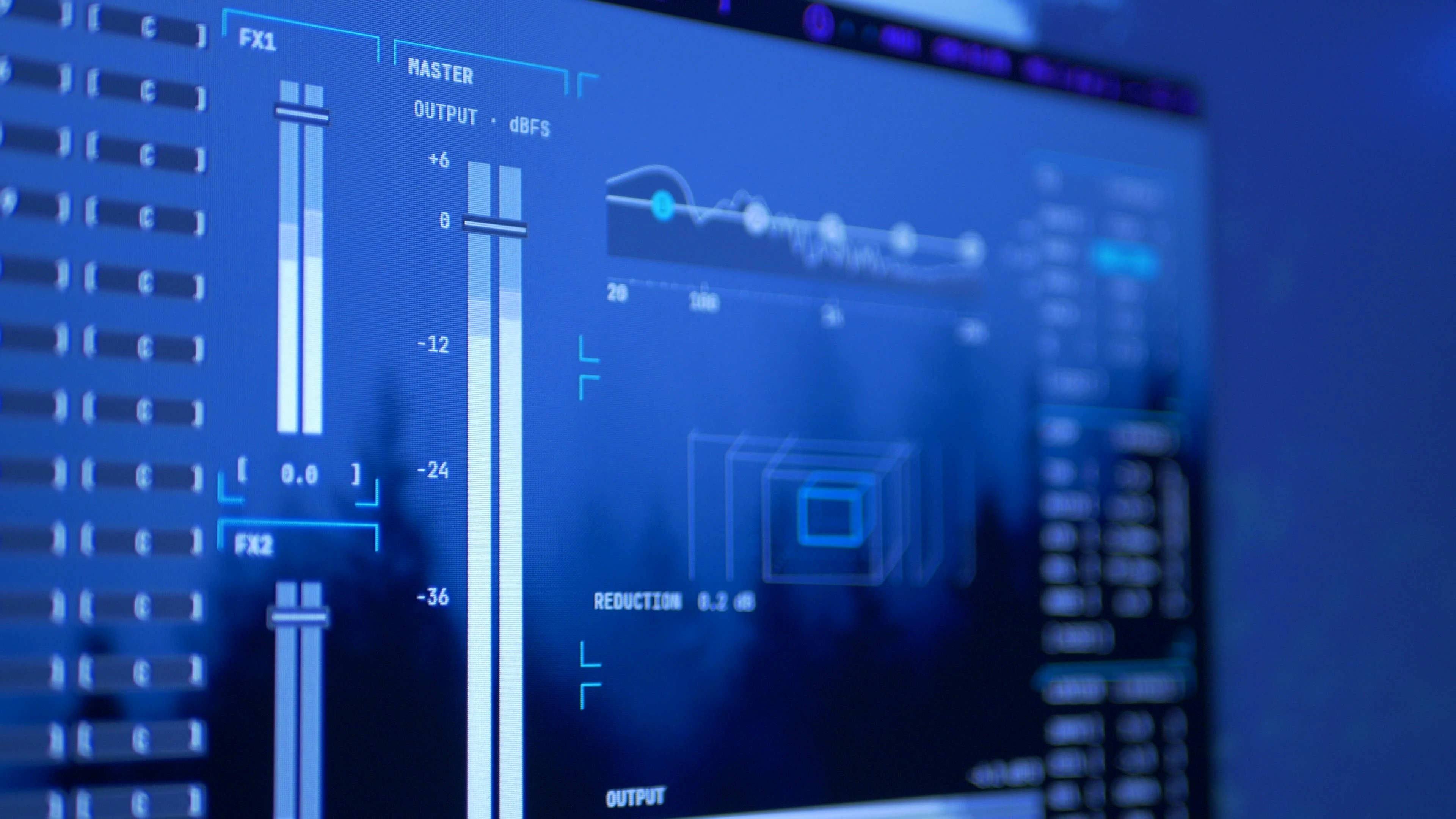
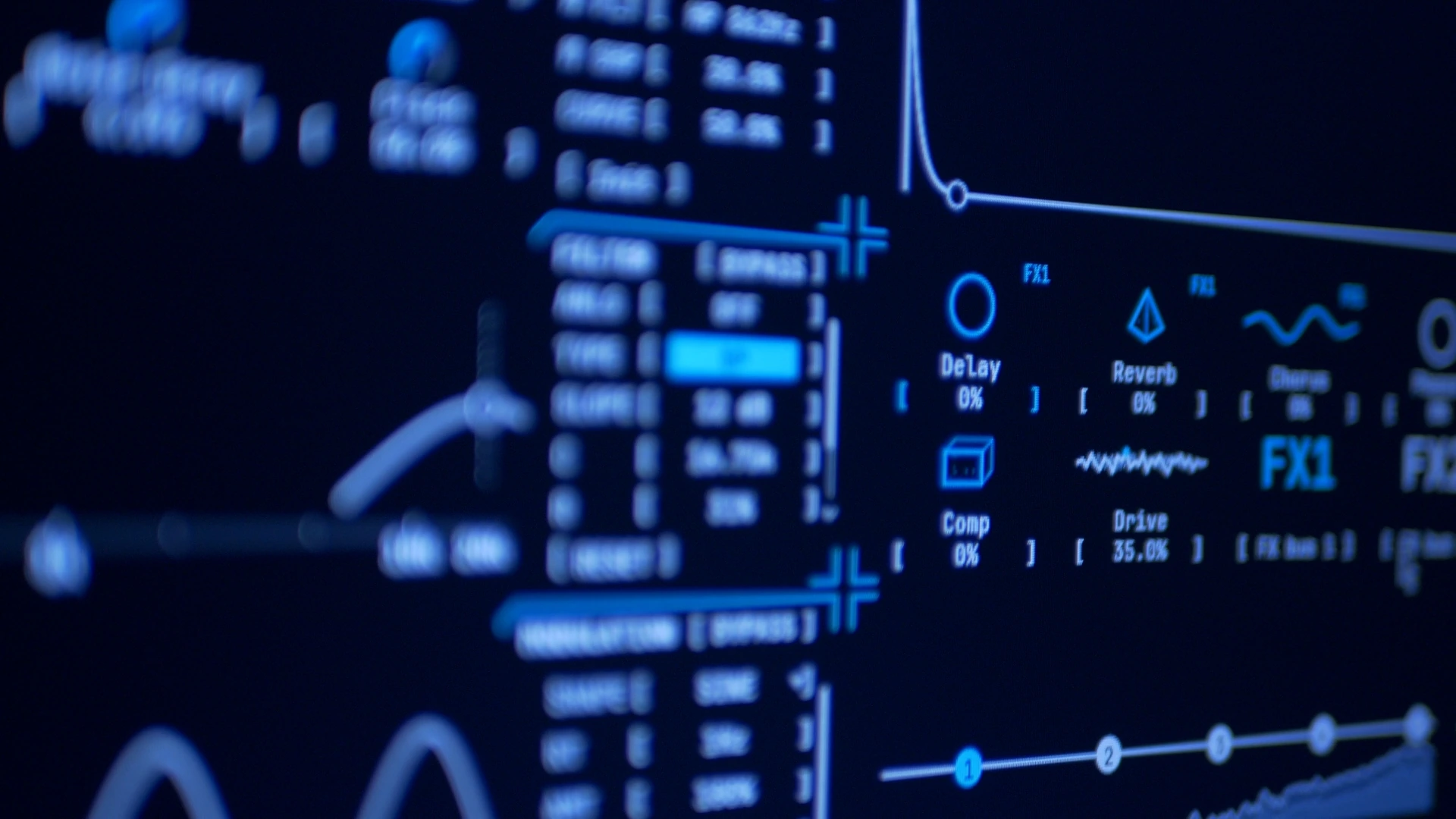
FX1 and FX2 each contain Delay, Reverb, Chorus and Phaser. Send each track to any of the eight effects, with separate return levels and cross-bus sends.
Track EQ // Master EQ and compression
Processing // Gain path
I built SubKorr to feel like an instrument. The gain path takes cues from hardware, so you can add color as you play. Give one sound a little grit or push several stages together. Leave Drive at zero to keep that stage clean.
02 // Sequence // Variation
Every step can be different.Sound and parameter changes per step. Repeats, conditions and independent track lengths.

Sound and parameter states per step, with repeats, conditions and independent track lengths.
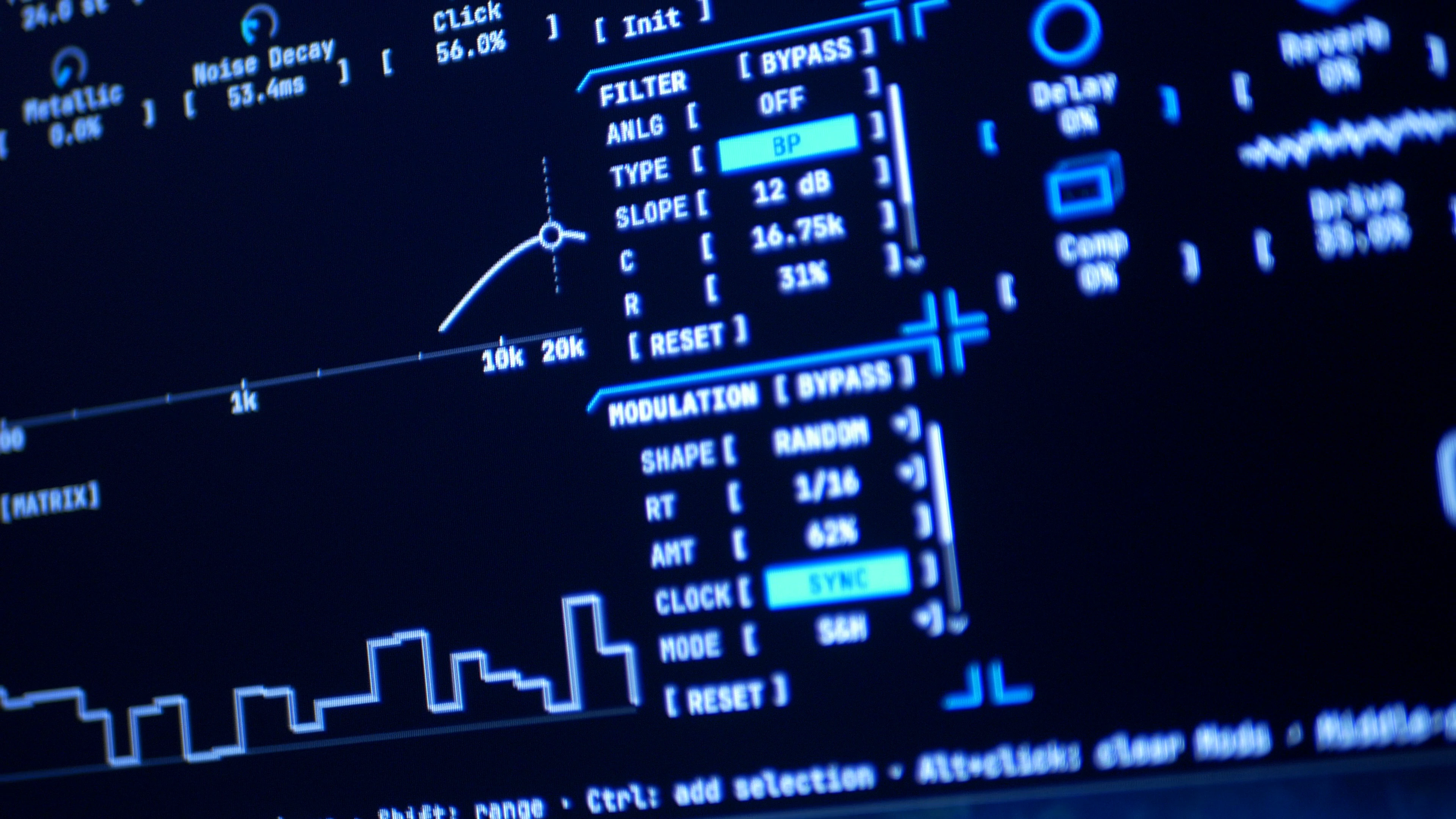
Six LFOs and two ADSR envelopes per track, with three destinations each. Tempo sync and custom LFO shapes.
Resample track ranges and loop counts with effects and modulation. Render graph arrangements to WAV, AIFF or FLAC.
Graph // Arrangement
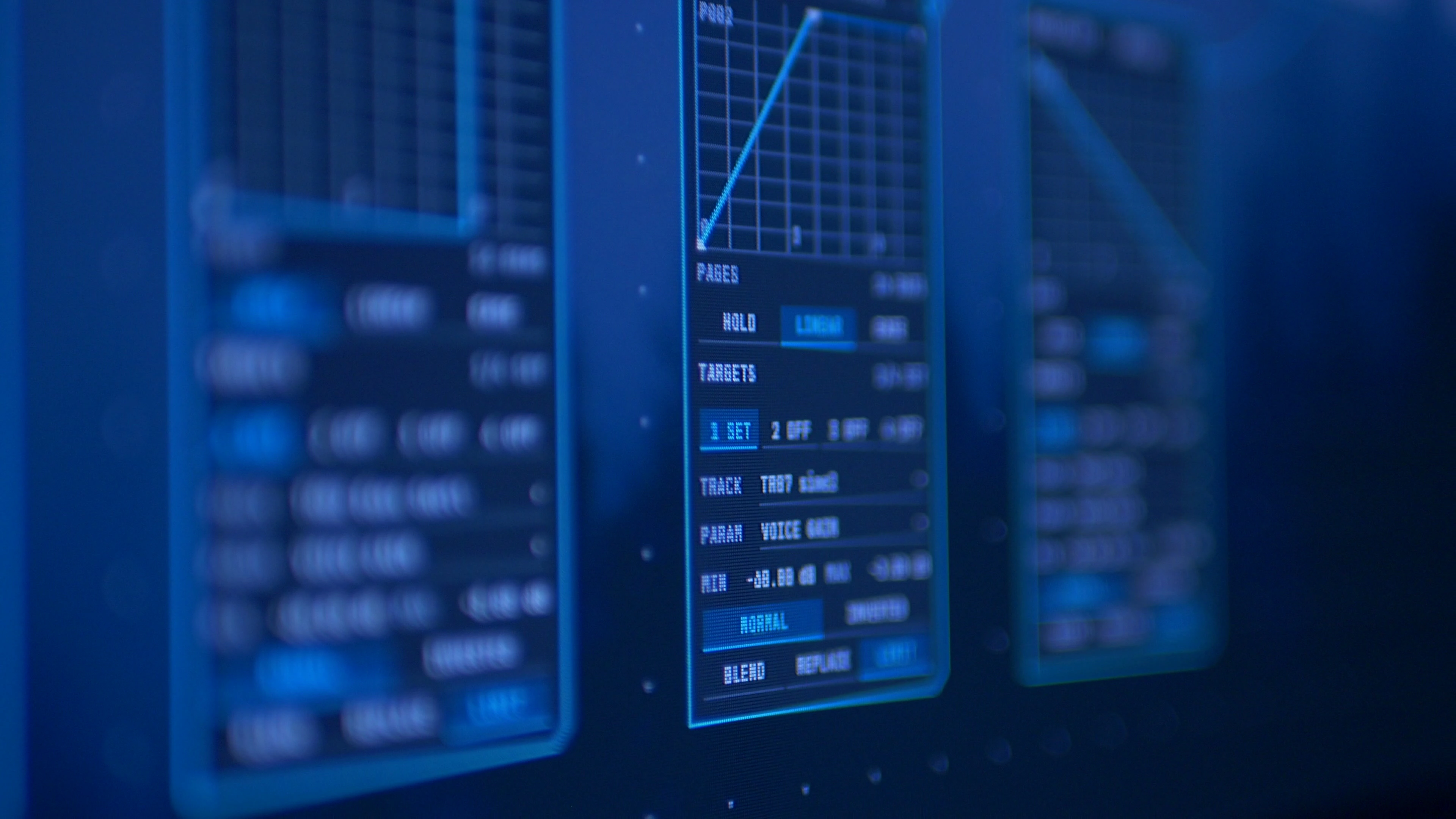
Pattern nodes with per-instance repeats, tempo and track mutes. Control nodes with Hold, Linear and Ease automation.
03 // Features
MIDI, recording and themes.Quickly MIDI Learn most parameters, then save a reusable controller layout in Options MIDI.
Save your project and audio together in one .sbkr file for easier organization and sharing. VST3 plugins and their external libraries are installed separately.
Record an external input, an individual track or the main mix. Count-in, metronome and a live waveform help you capture a take, then review it before keeping it.
Capture a sample or VST sound as a new audio asset. Use Resample for native SYN2, FM4P and DRUM tracks.
Themes // Your workspace
Comprehensive theme controls. Set the colors, bring your own wallpaper, and tweak it how you like.
SubKorr for Mac is in research and development, starting with Apple Silicon. There’s no release date yet.
04 // Get SubKorr
Windows // x6430-day evaluation
No card requiredTry SubKorr fully unlocked for 30 days. Your evaluation starts when you activate in SubKorr.
Projects become read-only when your evaluation ends.
Personal license
One-time purchaseOne-time purchase.
Any tax is shown at checkout.
Evaluation is fully unlocked for 30 days from activation, on up to two computers. Internet is required at launch and for periodic checks. After expiry, projects open and play, but editing, recording, saving and export are locked.
Personal license: $45 USD. Pay once, activate two computers in Options About. Internet is required for activation and periodic validation, with up to 14 days offline. Refunds are available within 14 days if the license key has not been used.

ASIO® and WASAPI support
ASIO is a trademark of Steinberg Media Technologies GmbH, registered in Europe and other countries.